Using Terraform to automate the creation and deprovisioning of AWS Member Accounts
We automate provisioning developer AWS sandbox accounts for our team at Sparkbox. These accounts are paid for by the parent organization. This gives our team full access to learn and prototype with all of AWS' services. We use Billing threshold notifications to keep things from spinning out of control.
It's relatively easy to create the organizations, users, and AWS accounts. The code fits in a nice module. The challenge we face comes when a team member leaves. When they leave, we need to quickly remove access to Sparkbox resources per our security policy.
Terraform makes this seeming simple:
- Remove the user from teammembers.auto.tfvars.
- Push the commit to Github
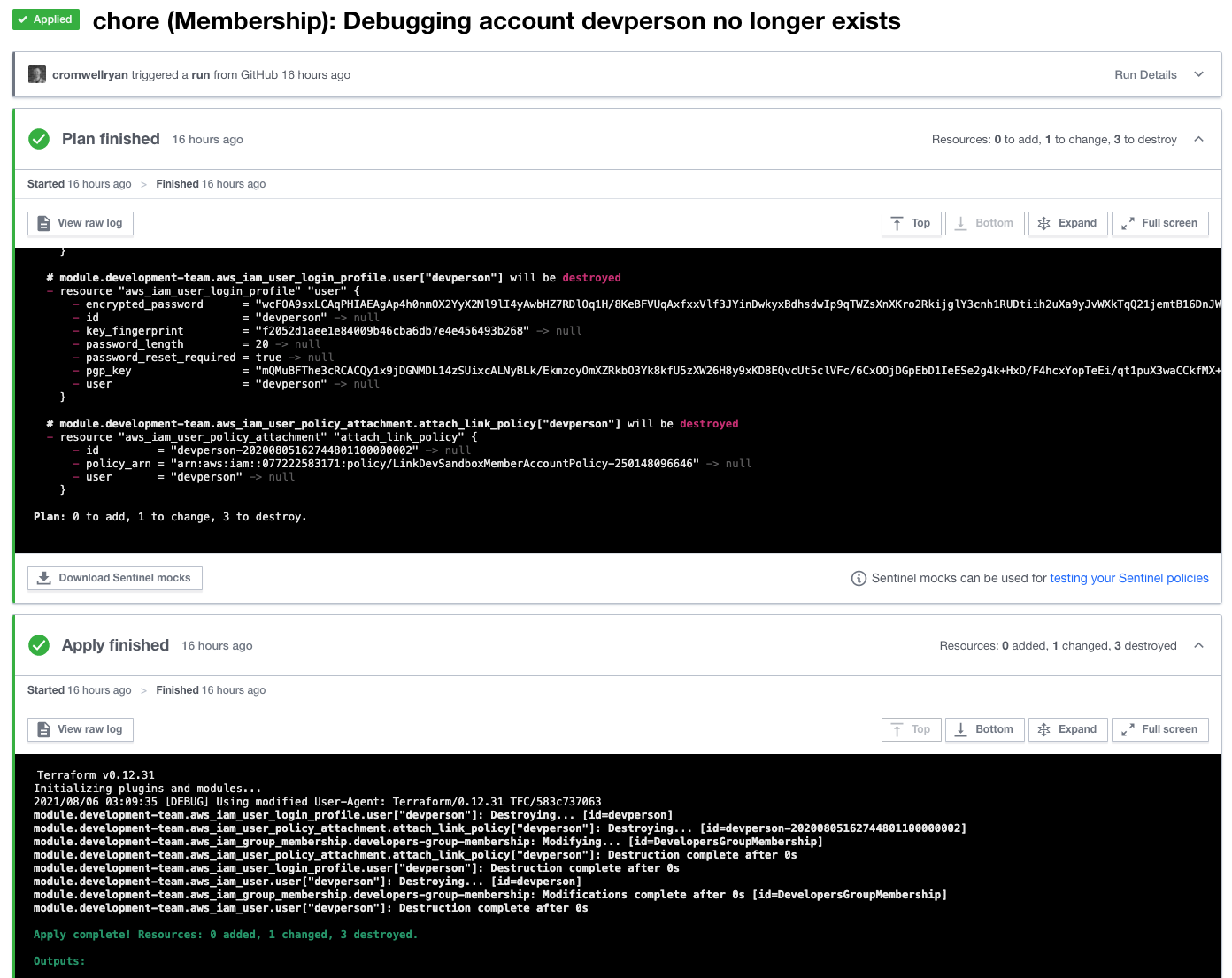
- Terraform Cloud kicks off a new run, planing and auto applying the changes necessary
Simple! User, policies, login profile, etc are all destroyed.
Remove Access to Sandbox Accounts
Unfortunately, consolidated billing throws a wrench in the situation. Deleting an account really just removes it from the organization. To do this, the account must have a payment method configured. This isn't an option to automate.
Our goal is to remove former team members' access to Sparkbox resources. Our Terraform automation was conflating this with deleting their accounts. It's reasonable think that, but not necessary. So instead, we'll separate the concepts of enabled users that should have access from all users that we have created accounts in our Terraform code:
locals {
  enabled_user_names = [
    for user in var.users : user.name
    if user.is_enabled
  ]
  all_user_names = toset([
    for user in var.users : user.name
  ])
}
Now we can use these individually local variables for their unique purposes:
resource "aws_iam_user" "user" {
  for_each = toset(local.enabled_user_names)
  name = each.value
}resource "aws_organizations_account" "account" {
for_each = local.all_user_names
name = "Dev Sandbox ${each.value}"
email = "${each.value}@heysparkbox.com"
role_name = "Administrator"
parent_id = aws_organizations_organizational_unit.dev_team_ou.id
}
With this setup, former Sparkboxers no longer have accounts, login profiles, or any access to Sparkbox resources. We can still gain access to their sub account for whatever purpose we might have. And, if we choose, remove and delete the member account.